You do not need to return to the product list to open another product. The editor header has its own search, so you can move from one product to the next without leaving the editor.
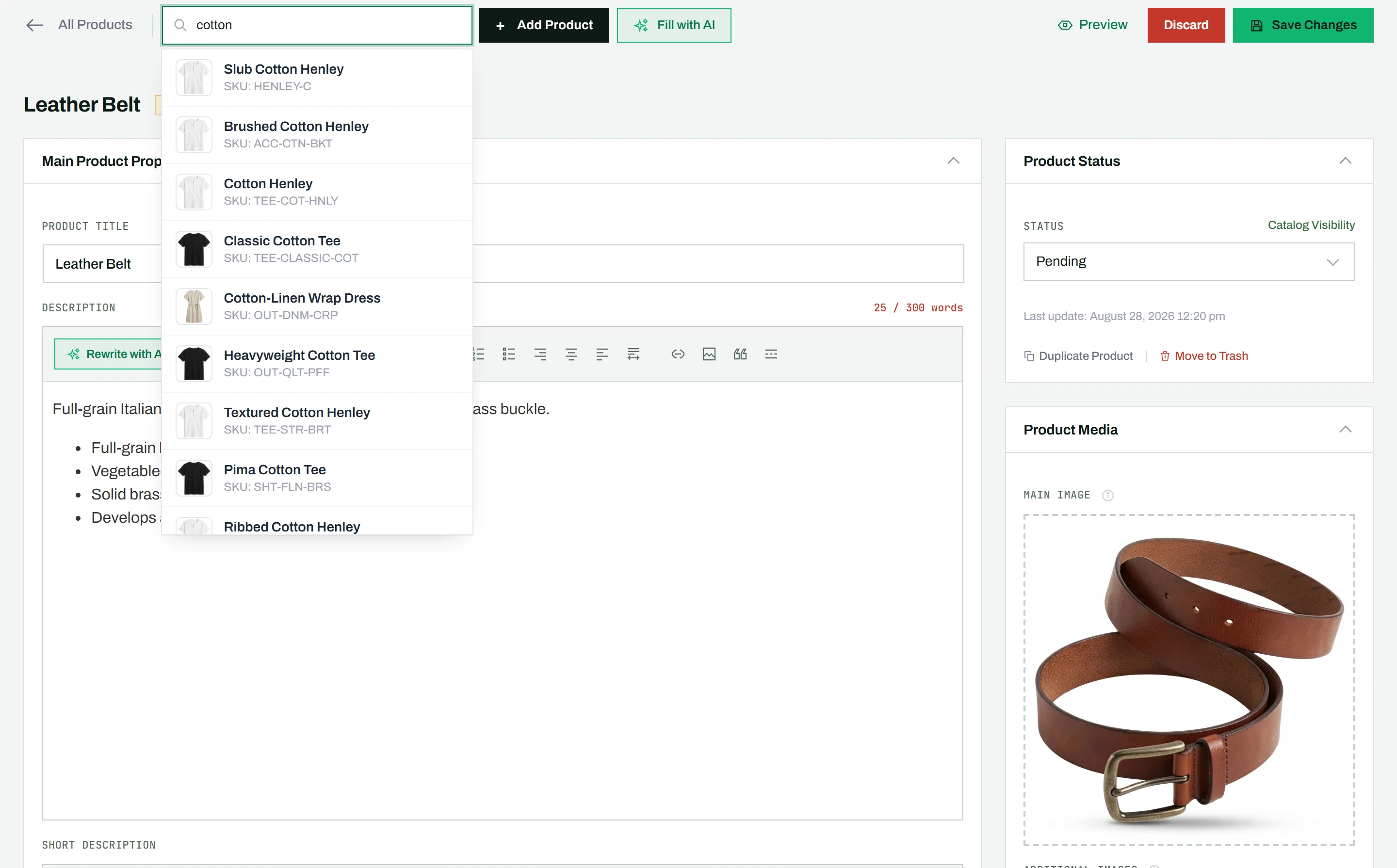
Jump to another product
- Use the search bar in the product editor’s header.
- Type a product name or SKU.
- Click a result in the dropdown to open that product’s edit page directly.
This saves time when you are editing several products in a row, since each jump skips the round trip back to the list.
Tip: The same live search works on the products list too. To edit many products side by side in one view, open Sheet Mode (Pro).