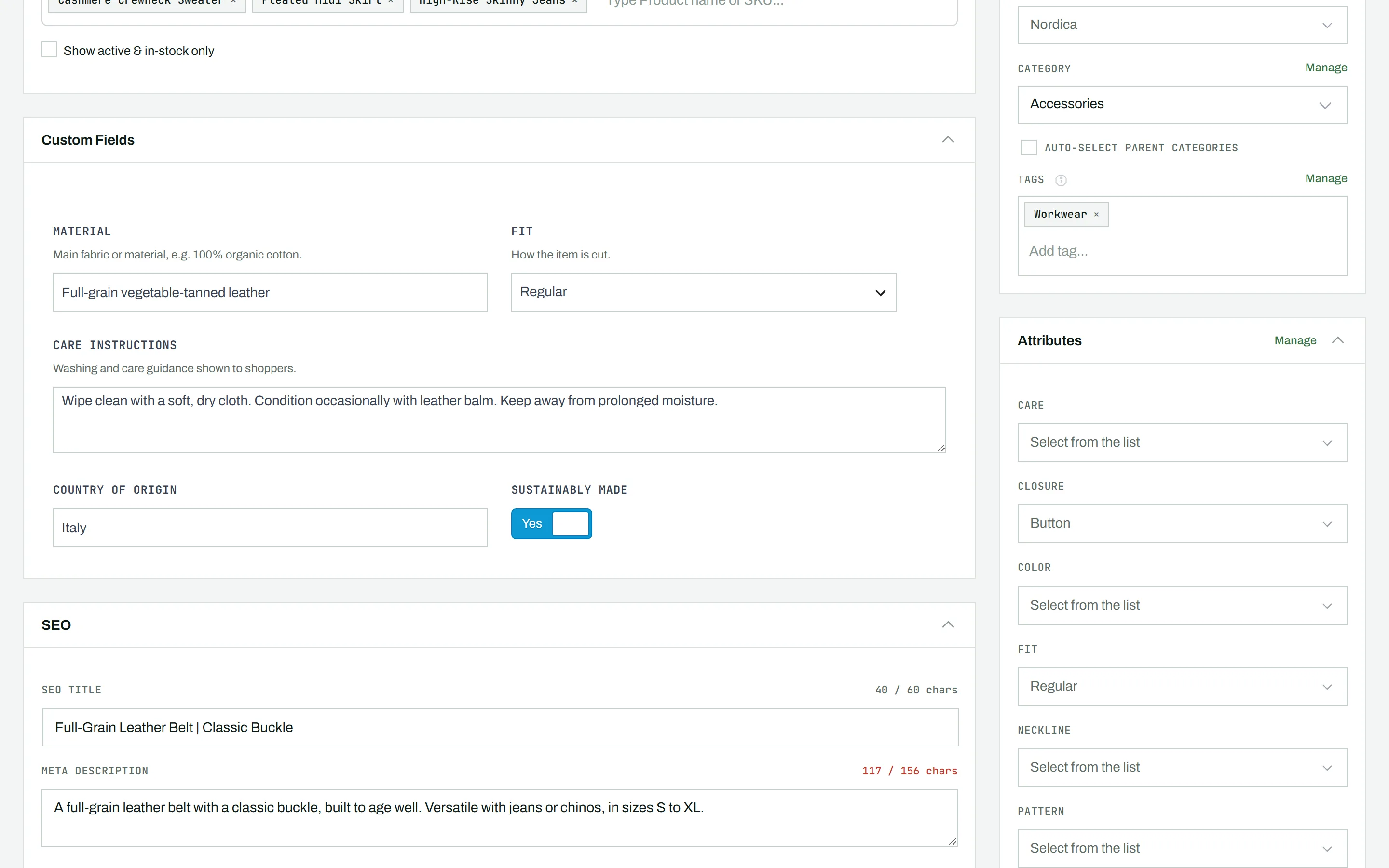
If Advanced Custom Fields is installed with field groups assigned to products, those fields appear in a Custom Fields section at the bottom of the main content area, embedded right in the CataLord editor.
Free vs Pro
Because the ACF form is embedded in CataLord, you do not need to switch to the WordPress block editor to see or change custom-field values. In the free plugin the fields are shown read-only, so you can see their values while editing a product. Editing and saving ACF values is part of CataLord Pro; with Pro active, ACF data is saved along with the rest of the product.
Tip: ACF columns can also be mapped during a CSV import (Pro), and edited across many products in Sheet Mode (Pro).