Prices are set in the sidebar’s Pricing & Stock section, where you can also put a product on sale and schedule when the sale runs.
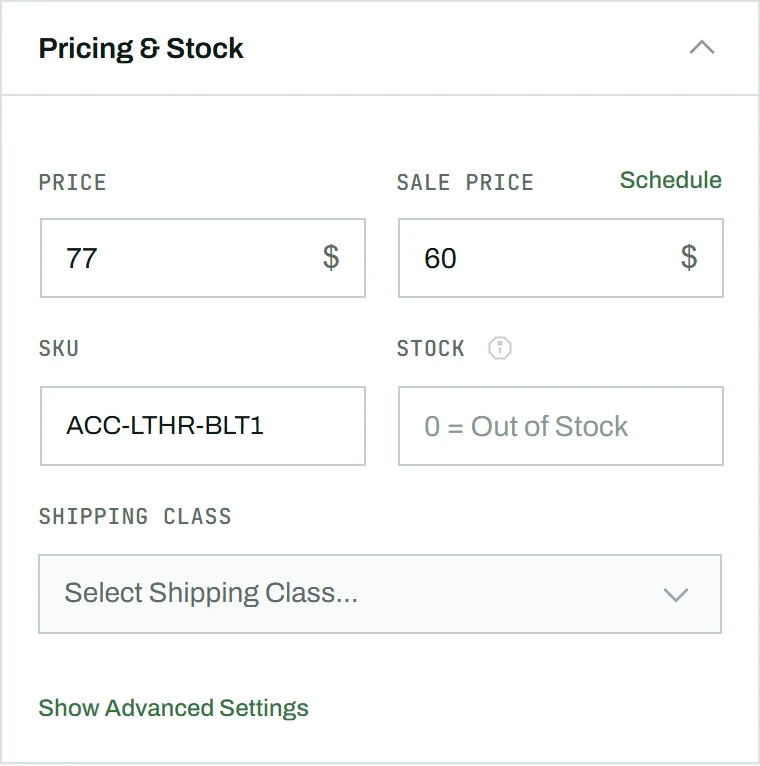
Setting prices
- In the sidebar, find the Pricing & Stock section.
- Enter the Regular Price in the first field.
- Optionally enter a Sale Price in the second field.
Scheduling a sale
- Click the Schedule link next to the Sale Price label.
- Set the From and To dates with the date pickers.
- The sale activates and deactivates automatically on those dates.
- To cancel a scheduled sale, click the red Cancel link.
Note: For variable products, the parent’s price fields are disabled; set prices on each variation instead. To change prices across many products at once, including by a fixed amount or a percentage, use bulk actions.