CataLord includes a built-in brand taxonomy, so you can group products by brand without installing a separate brands plugin. Brands are managed in the Taxonomy Manager alongside categories and tags.
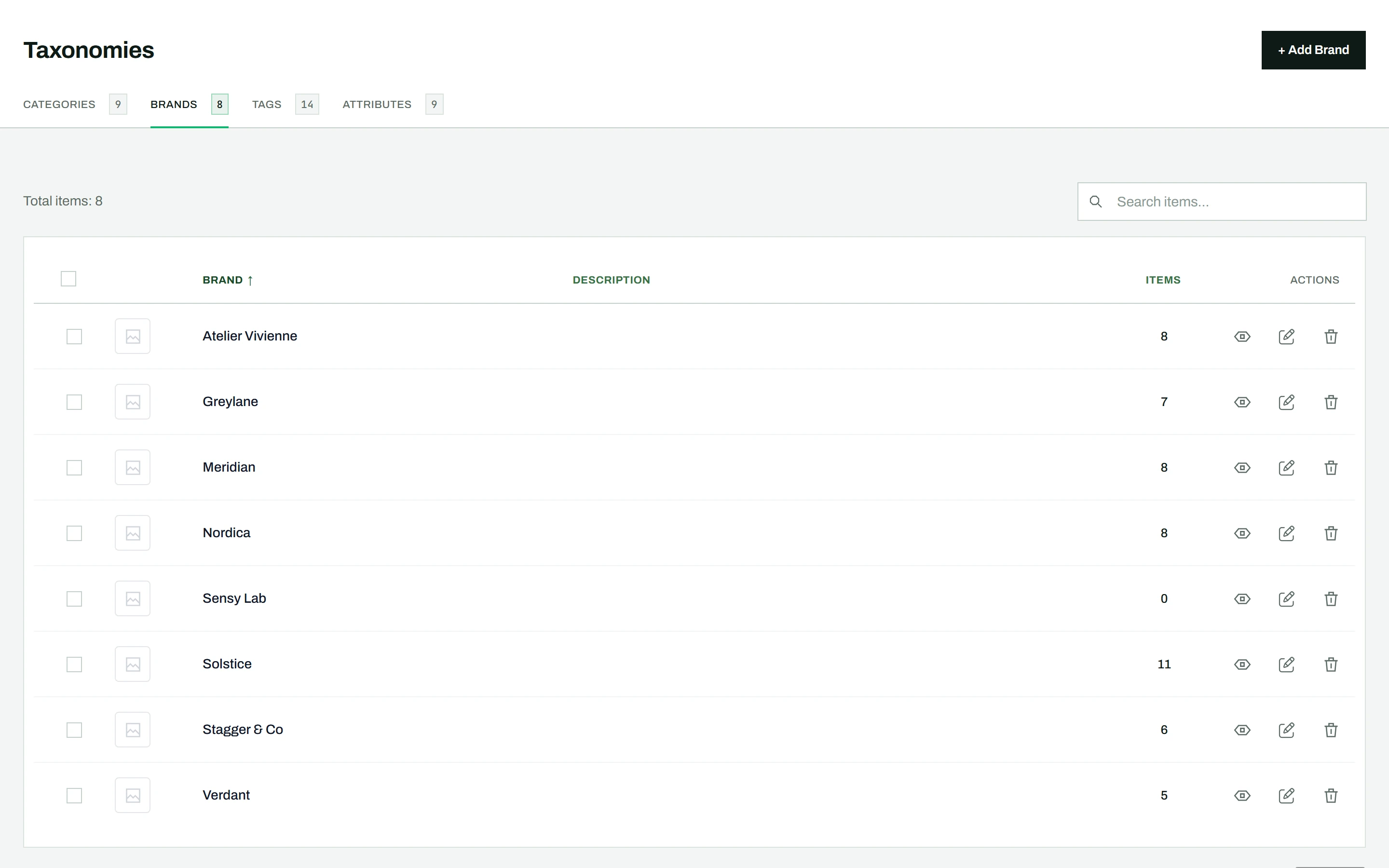
Managing brands
Go to CataLord > Taxonomies and click the Brands tab. Brands support hierarchy (parent and child) and thumbnail images, just like categories, and you create, edit, delete, search, and sort them using the same interface as the Categories tab.
Assigning brands to products
Once a brand exists, assign it to products from the product editor, from Quick Edit, or to many products at once with bulk actions. See assigning categories, tags, and brands for the details.
Tip: The Items count on each brand row is clickable, and opens the product list filtered to that brand.