Tags are a flat, informal way to label products for cross-category grouping, for example “summer”, “sale”, or “new arrival”. They are managed in the Taxonomy Manager alongside categories and brands.
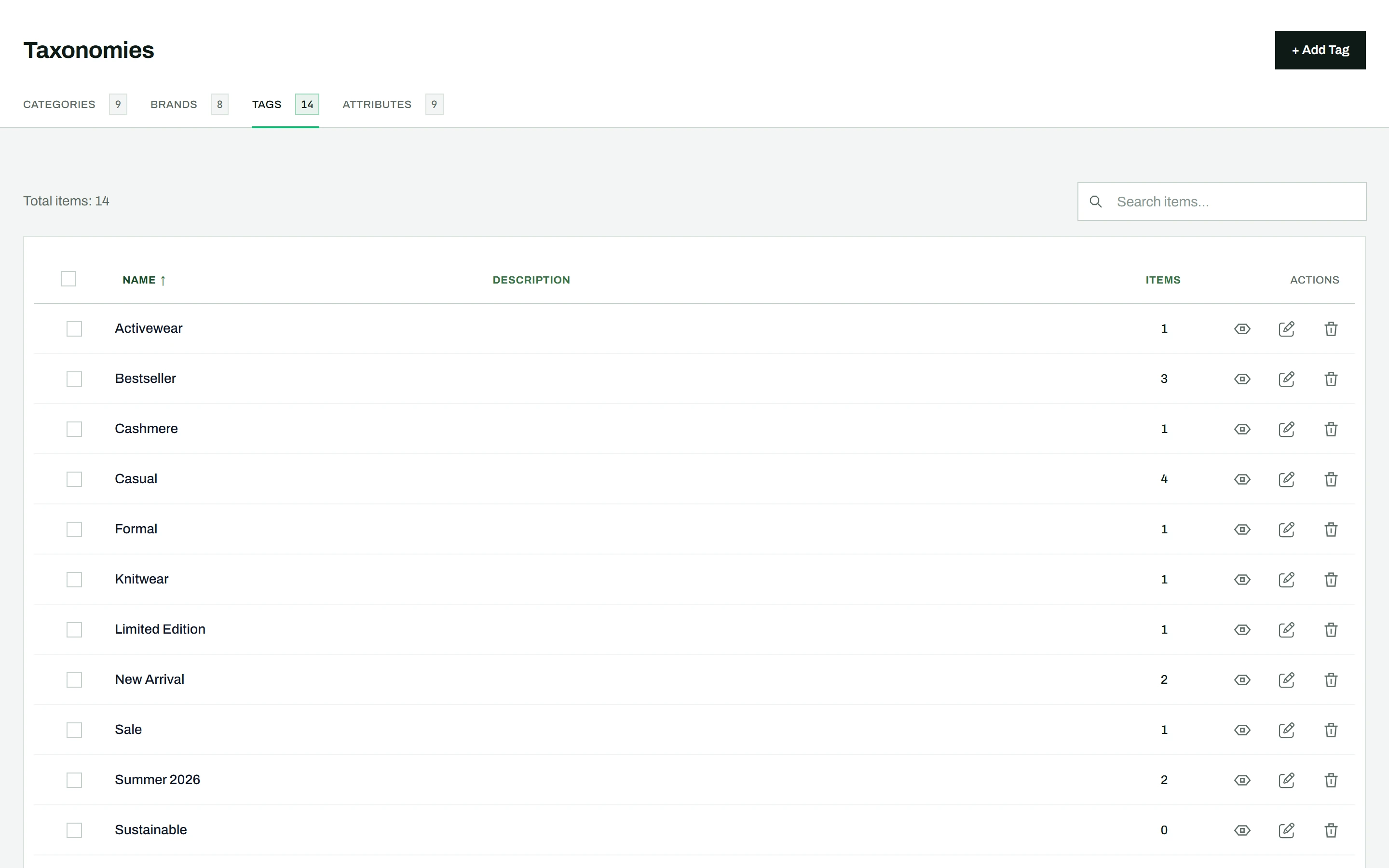
Managing tags
Go to CataLord > Taxonomies and click the Tags tab. Tags work like categories, but they are flat (no parent-child hierarchy) and have no thumbnails. From the tab you can:
- Create new tags with a name, slug, and description
- Edit existing tags
- Delete tags individually or in bulk
- Search and sort the tag list instantly
Tip: Use categories for your store’s main structure and tags for looser, overlapping labels. Assign either from the editor, Quick Edit, or bulk actions.